Notifications
Notifications
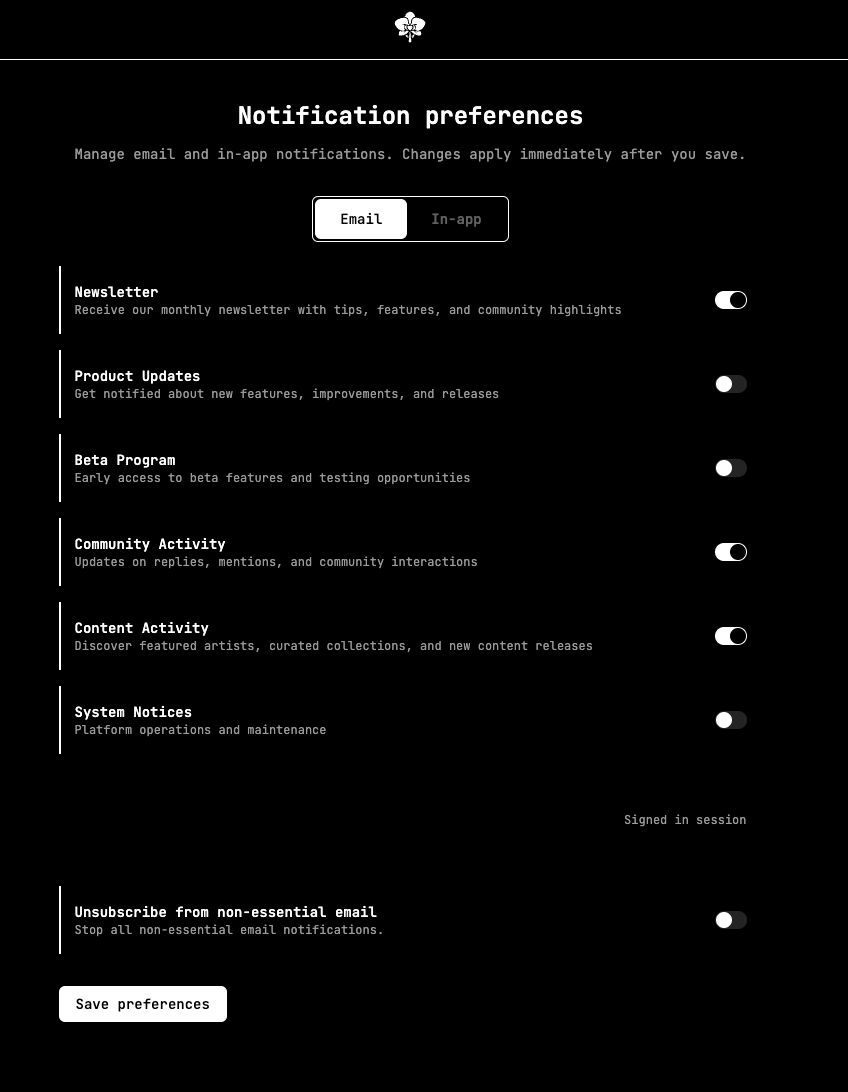
Plantasia Space can notify you by email and in-app. You control both from Notification Preferences:
- Open the account menu and choose Notifications, or go to Settings → Notification Preferences.
- Pick the Email or In-app tab.
- Turn each category on or off — Newsletter, Product updates, News, Beta program, and Community activity — or use the global switch to silence all non-essential notifications at once.
- Select Save preferences — changes apply immediately after you save.
Essential account, security, and transaction emails are always sent. Every notification email also includes an unsubscribe link that takes you back to these preferences.