Edit
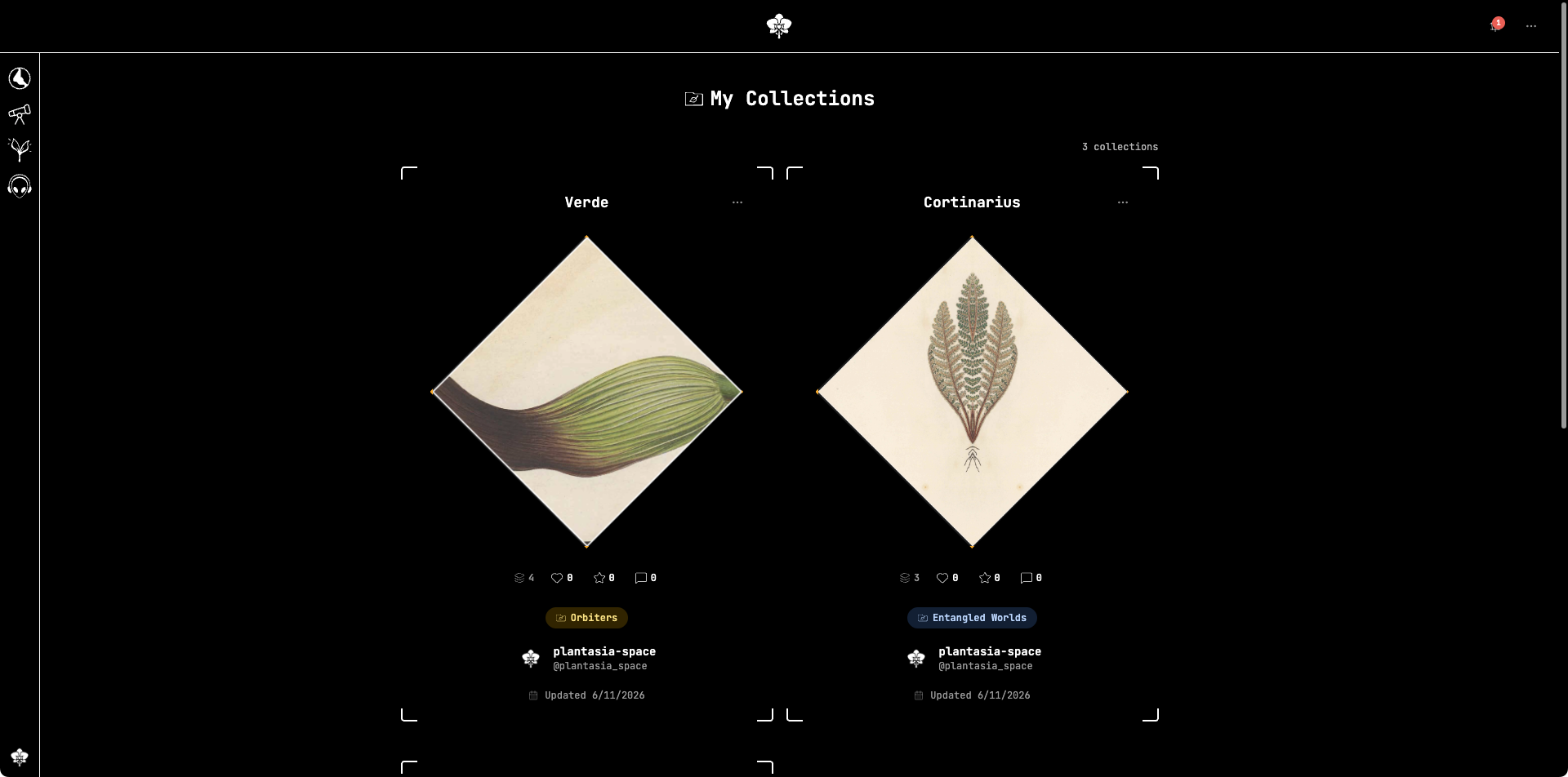
Your collections
All of your collections live in one place, grouped as released, unreleased, and archived:
What you can edit
You can update a collection's name, description, category and subtype, artwork, and the items it contains.
Reordering items
Collections can hold a mix of content types, and you can arrange the items in any sequence — the order you set is what visitors see on the public collection page.
Open the collection you want to curate and drag items into their new positions. The new order is saved as you go; there is no separate save step for reordering.
Publishing changes
A collection that is already released keeps showing its released version while you work. Publish your latest edits with Release changes, or save a draft to revisit later.
Archived collections
An archived collection can't be edited. Restore it first to continue editing.